Shopify developer for CRO teams
I build your A/B tests and conversion features, from your Figma to live.
Fisnik KurtiSenior-level Shopify developer, on Shopify since 2025
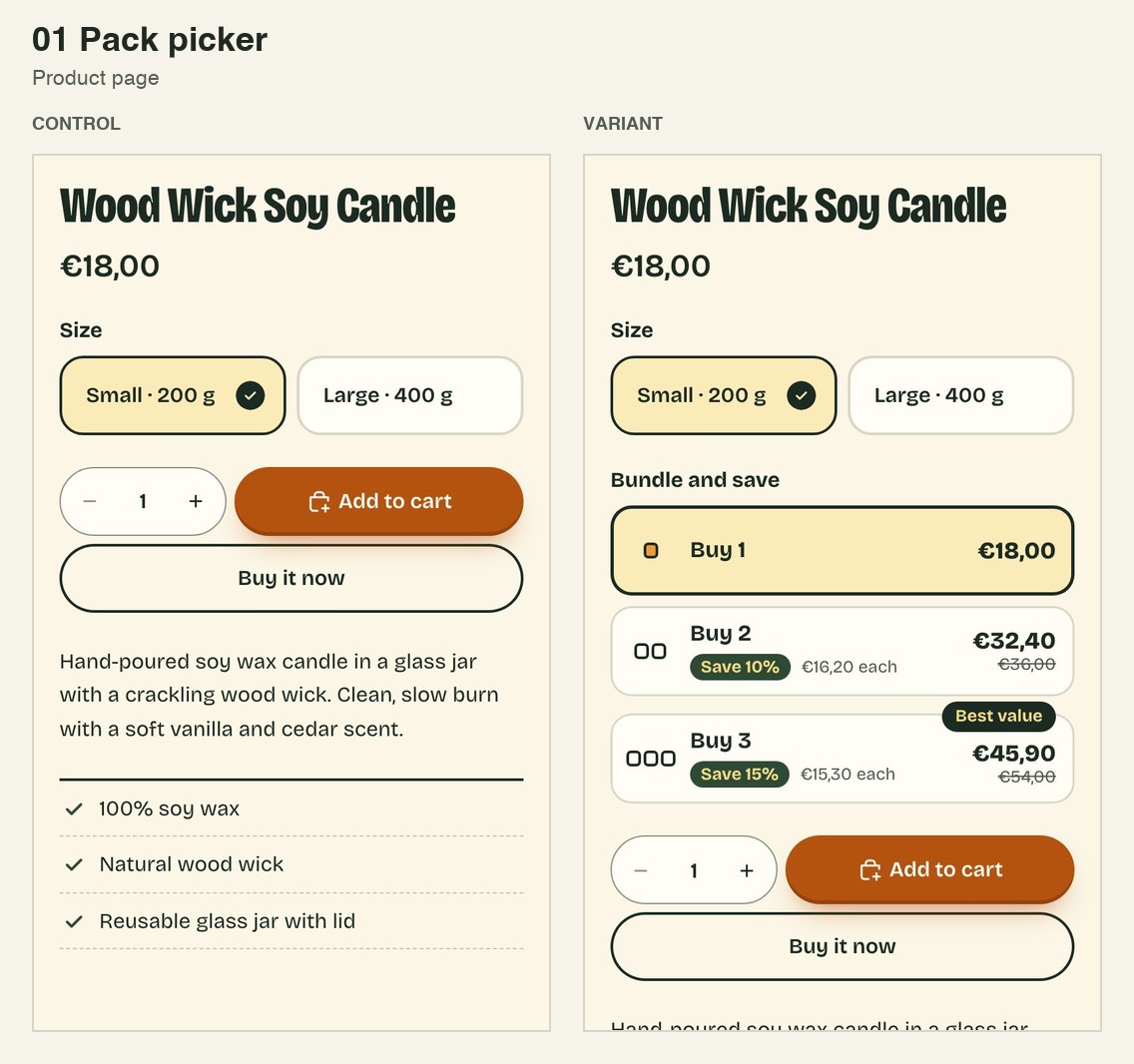
Every variant ships hidden in the theme, one class switches it on, and the control stays untouched.
- Every variant ships hidden in the theme
- One class switches it on
- The control stays untouched
Based in Kosovo, Central European time.
In 2026
- 20+ A/B test builds
- 10+ winner rollouts
- 2 store redesigns
- 10 stores
Client work, so no names and no results here. The builds below are on my own demo store.
What I build
- A/B test variants for Intelligems and other testing tools
- Product page features: pack pickers, bundles, buy boxes, benefit lists
- Cart features: free-shipping bars, add-ons, reward tiers
- Quizzes and product finders
- Figma to theme: sections, templates, full pages
- App setup and debugging: discounts, bundles, free gifts, checkout blocks
- Winner rollouts: the winning version becomes part of the theme, test code removed
How I workWhat's in the box
How I work, from your brief to the rollout.
The brief
You send the brief and the Figma.
The variant
I build the variant in an unpublished copy of the theme. The control is not touched.
The checks
I check both versions on phone, tablet, desktop and wide screens.
The handover
You get a written handover with preview links and what to try.
The rollout
When a test wins, I roll it into the theme and remove the test code.
Builds
Everything here is on my own demo store, for a made-up soap and candle brand called Mossline. Each test has a live control and a live variant. They show how I build, not sales results.
Open the test library. Or hover a card to see its control.
Tests
01Pack picker
Product page
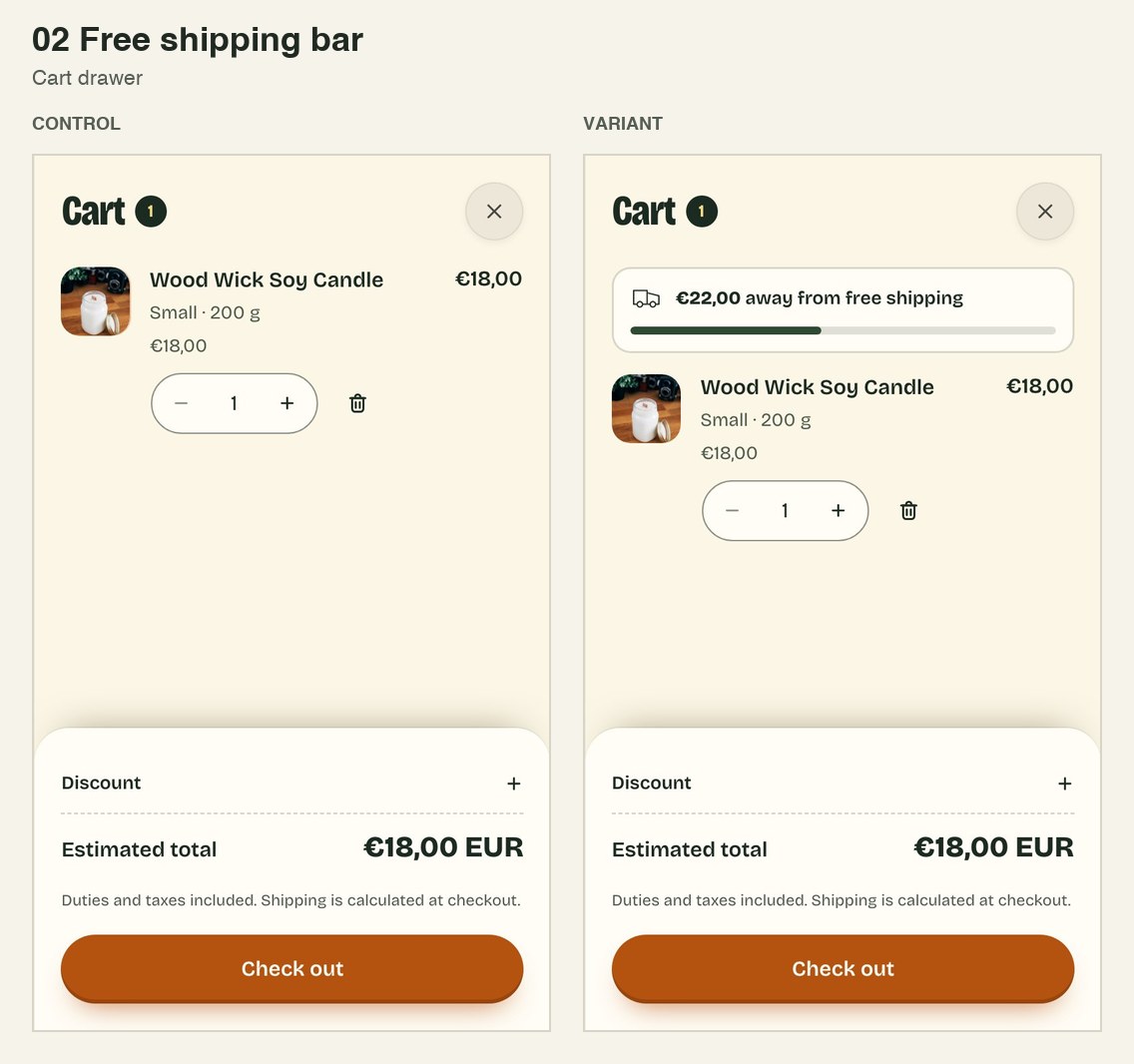
02Free-shipping bar
Cart drawer
Control of the free-shipping barVariant of the free-shipping bar
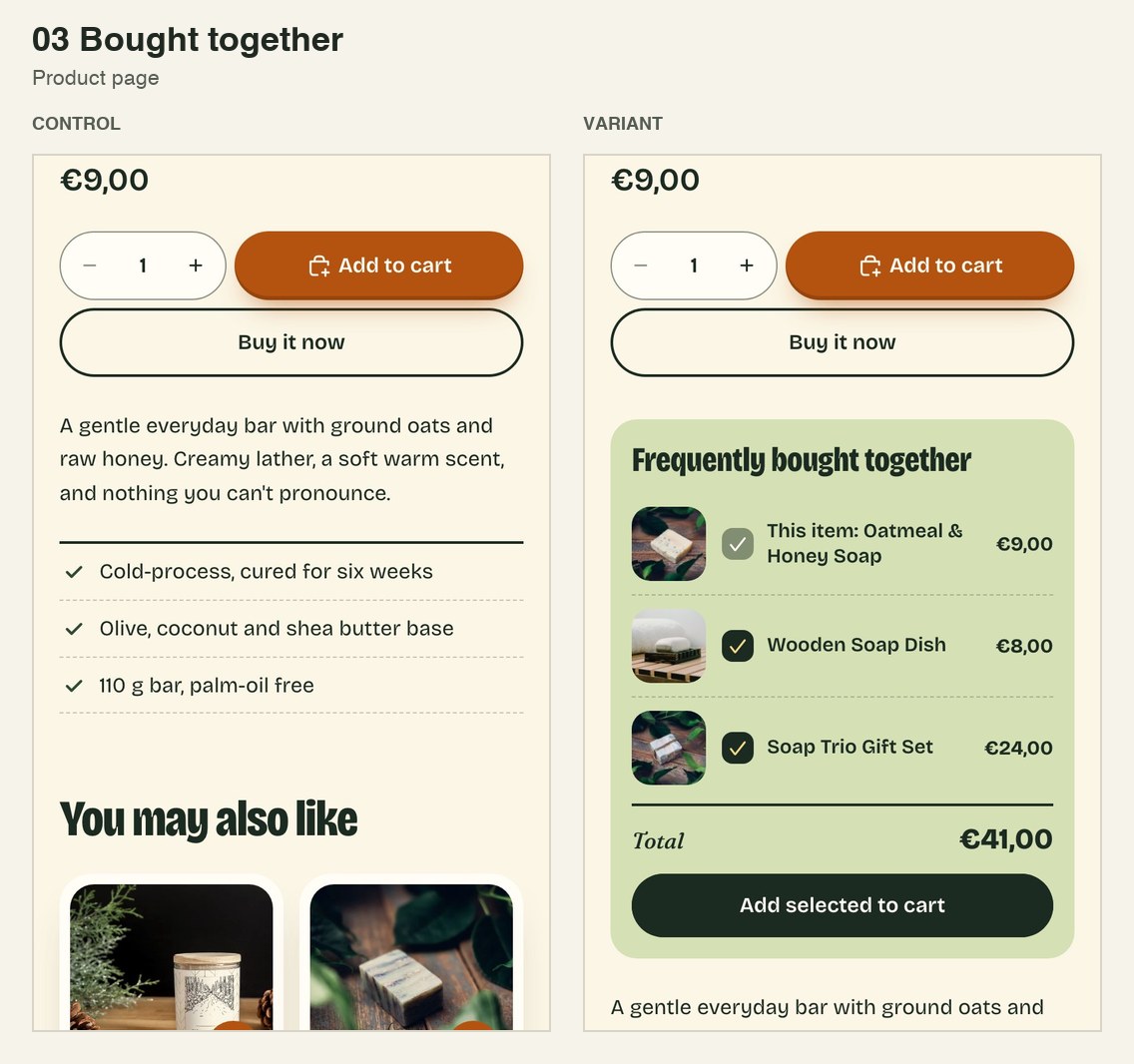
03Bought together
Product page
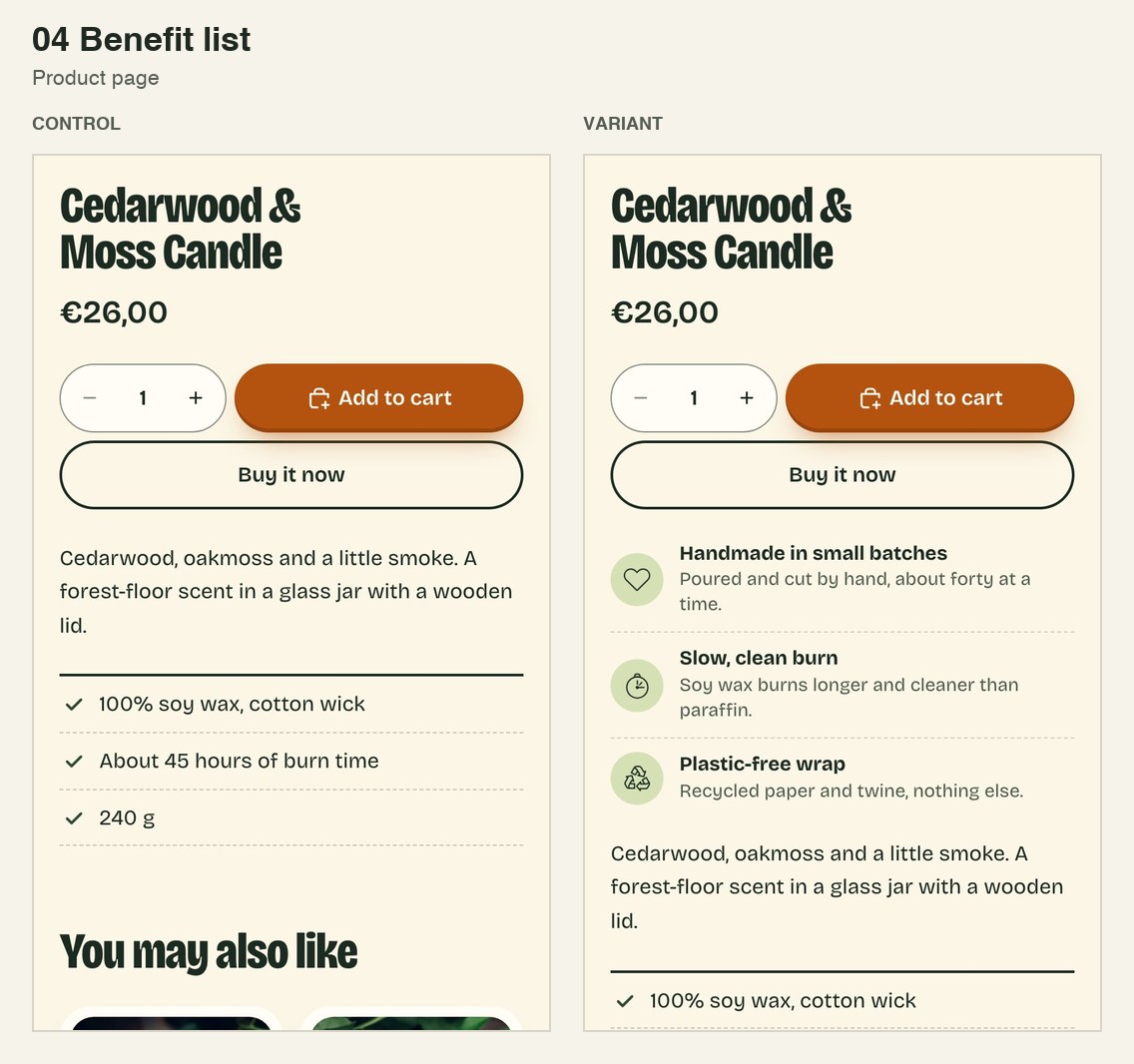
04Benefit list
Product page
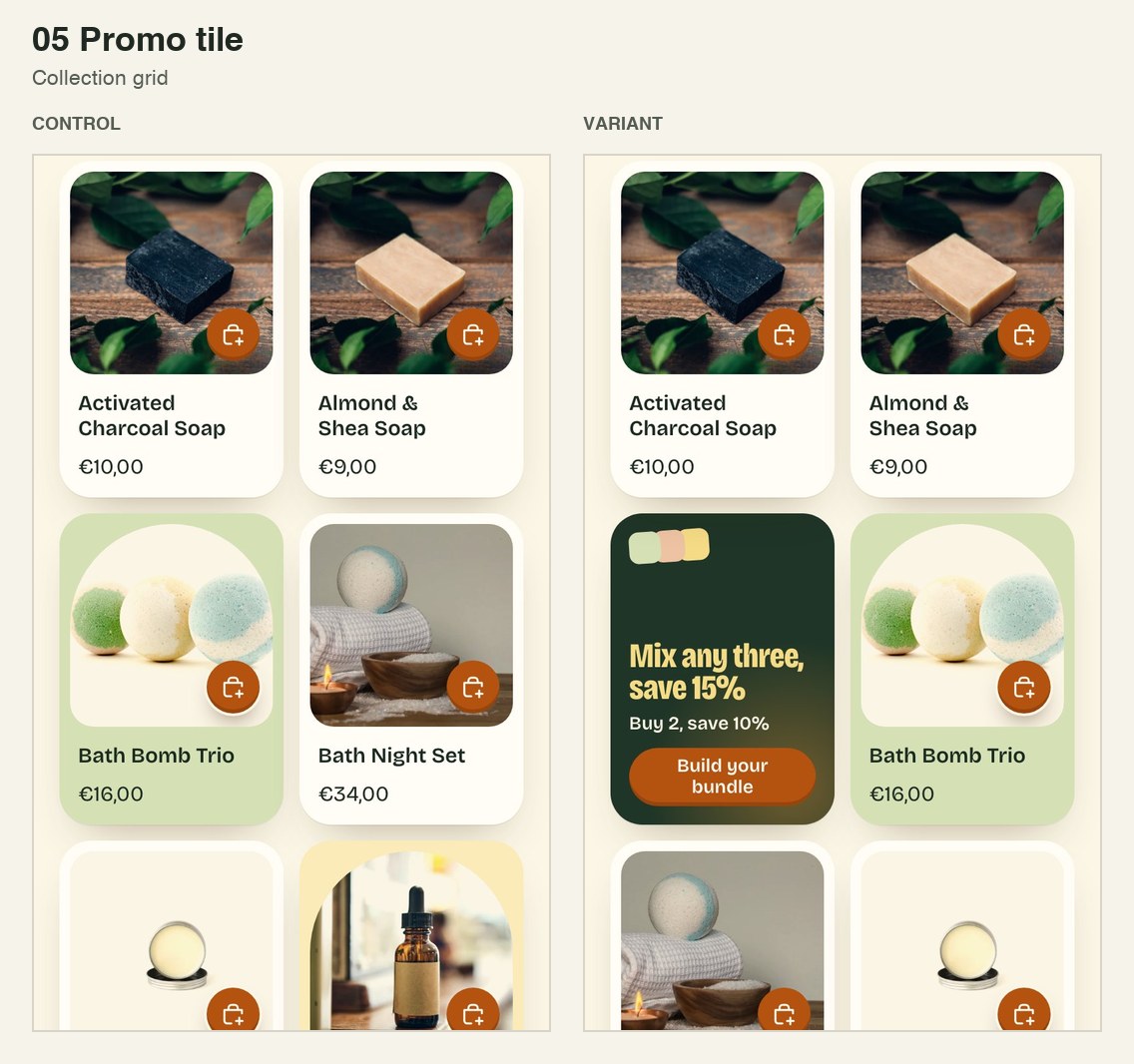
05Promo tile
Collection grid
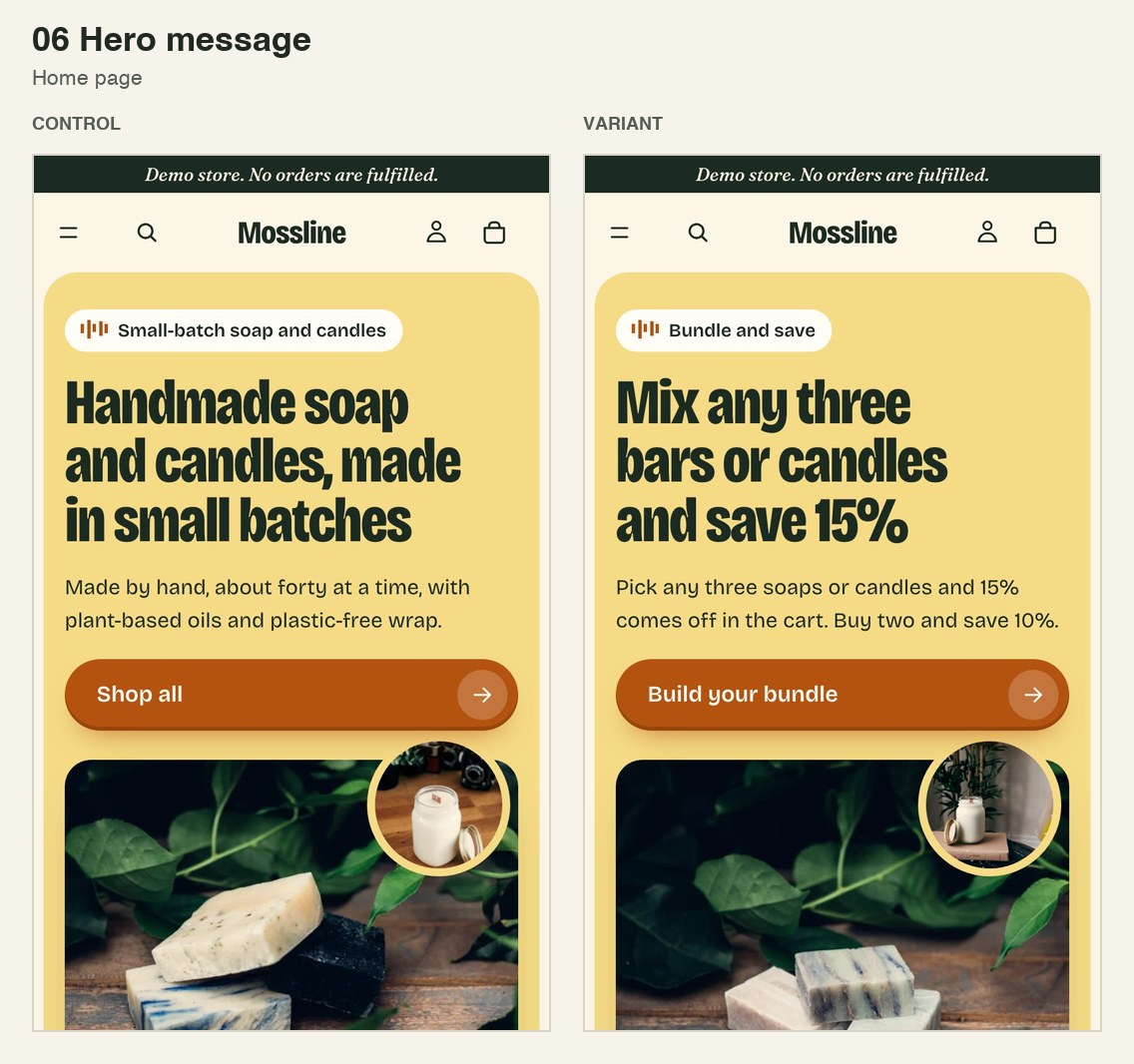
06Hero message
Home page
Pages
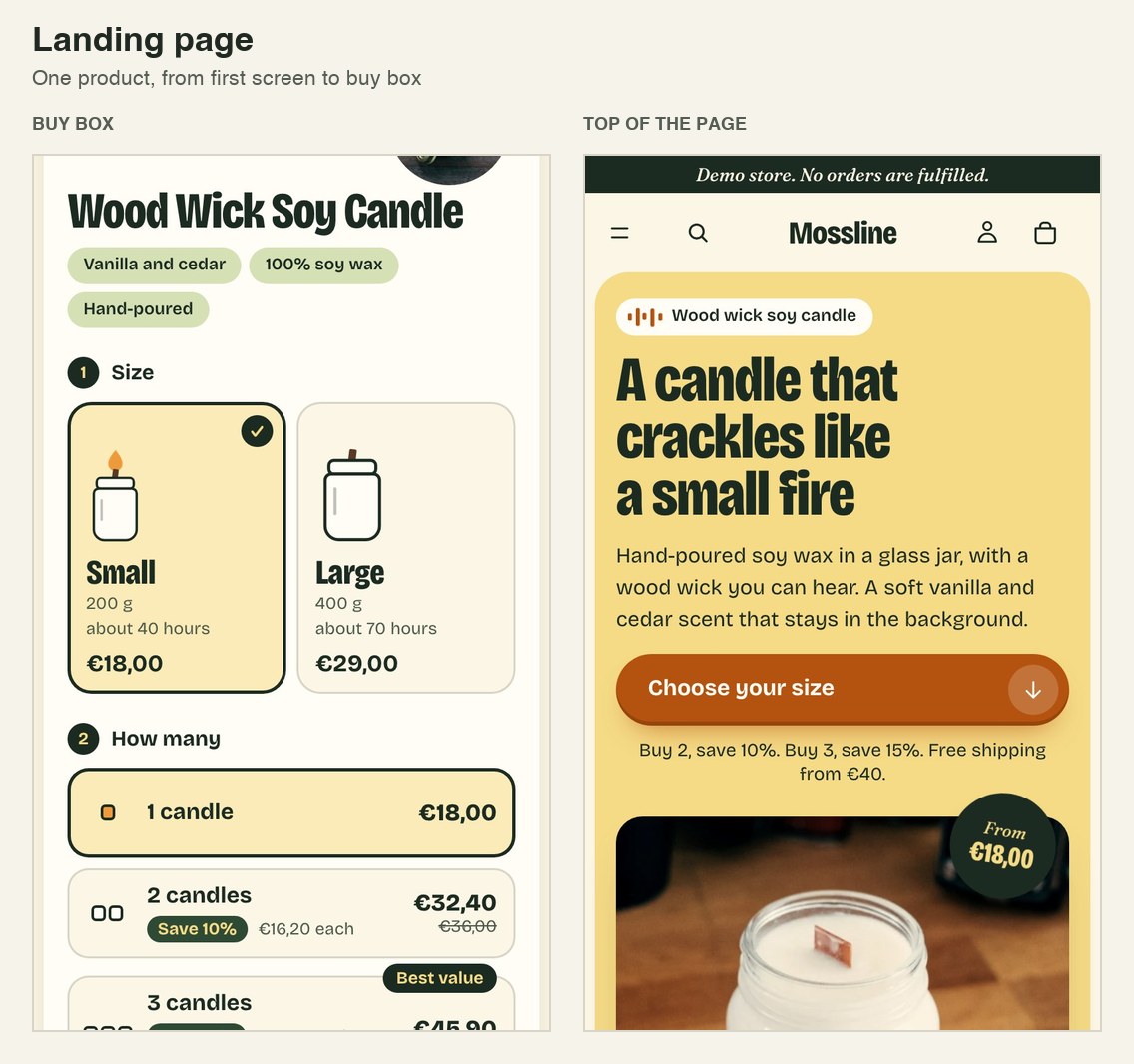
Landing page
One product, from the first screen to the buy box
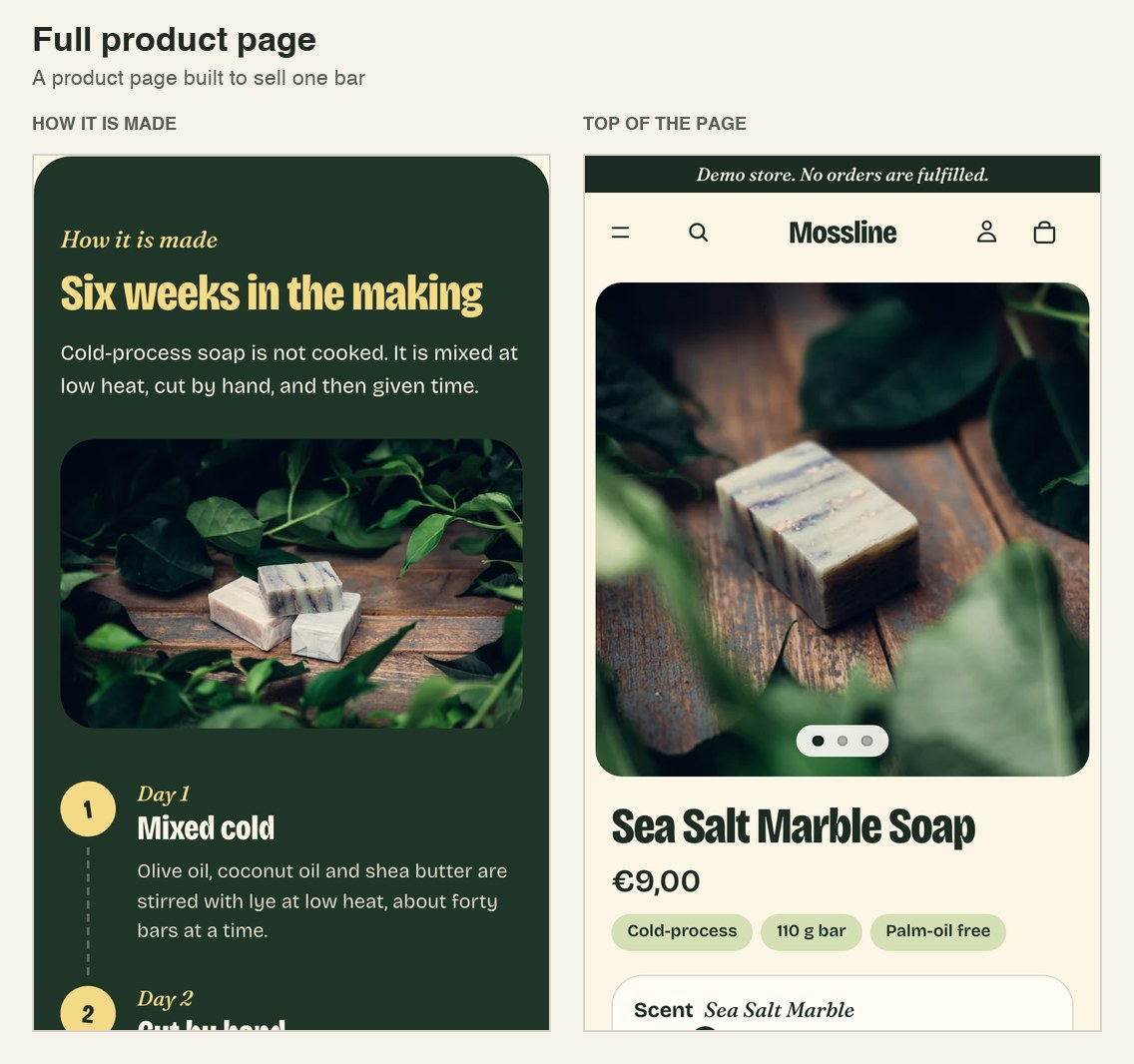
Full product page
One bar, from the photo to the last question
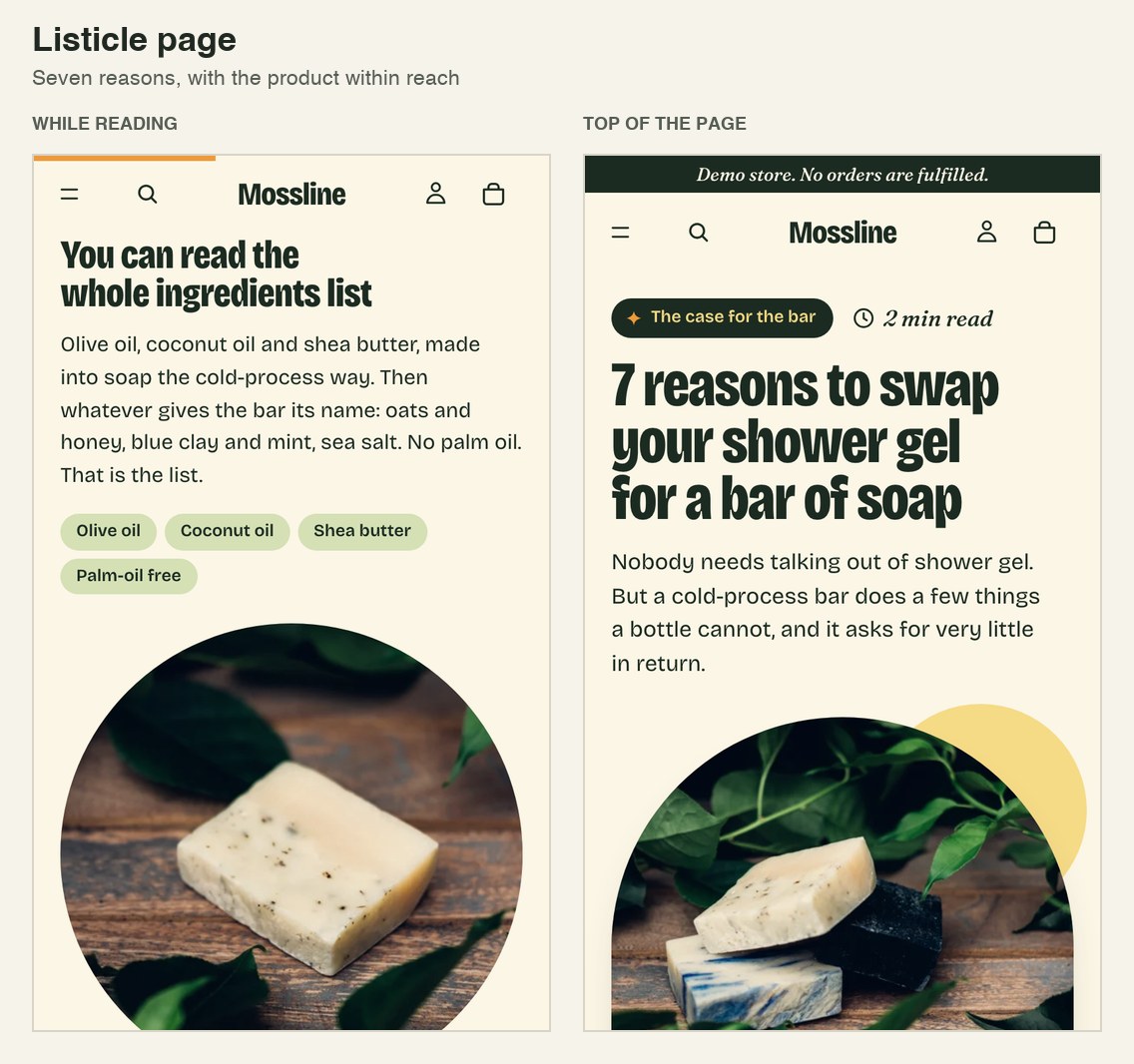
Listicle page
Seven reasons, with the product within reach
Features
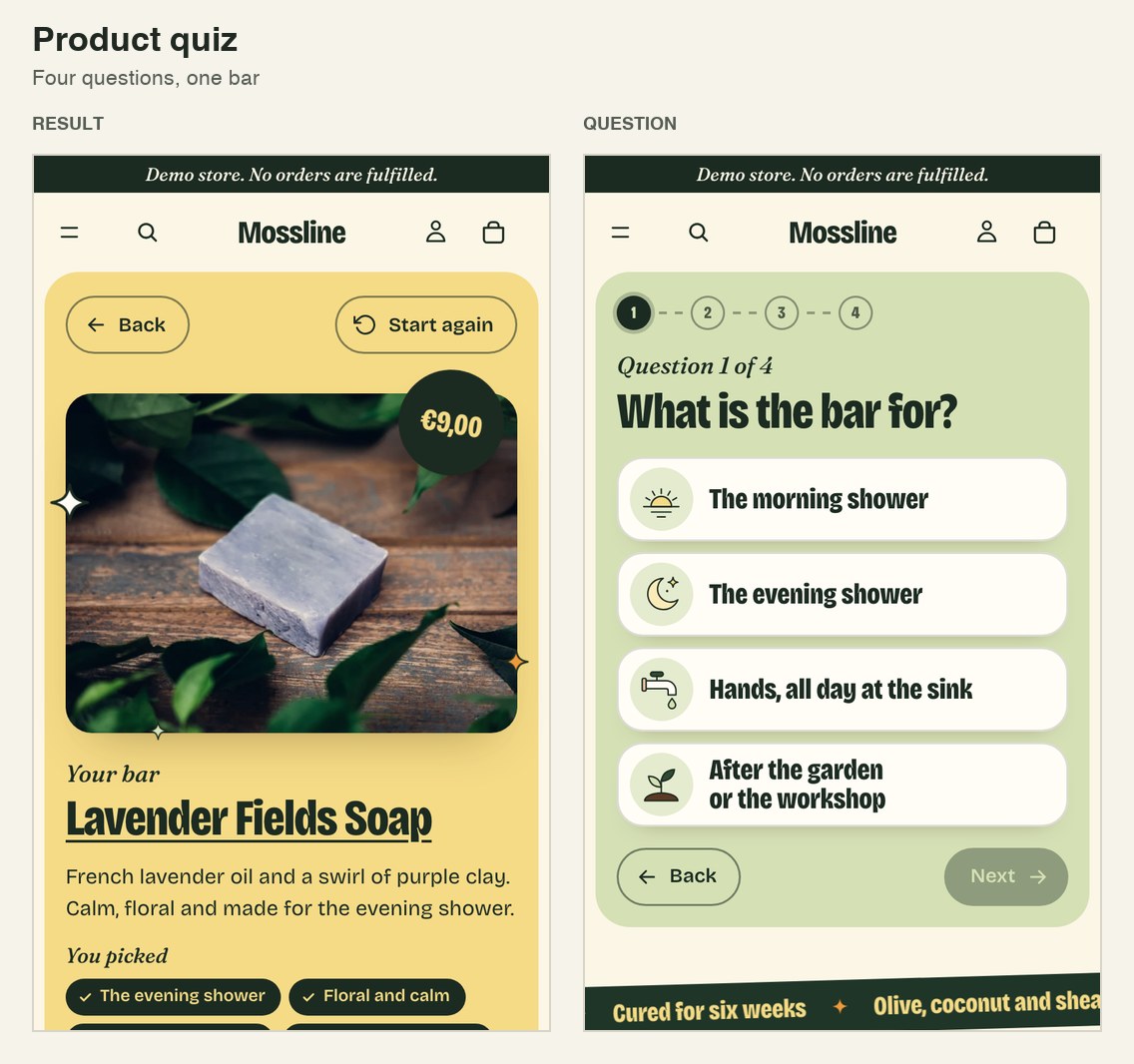
Product quiz
Four questions, one bar
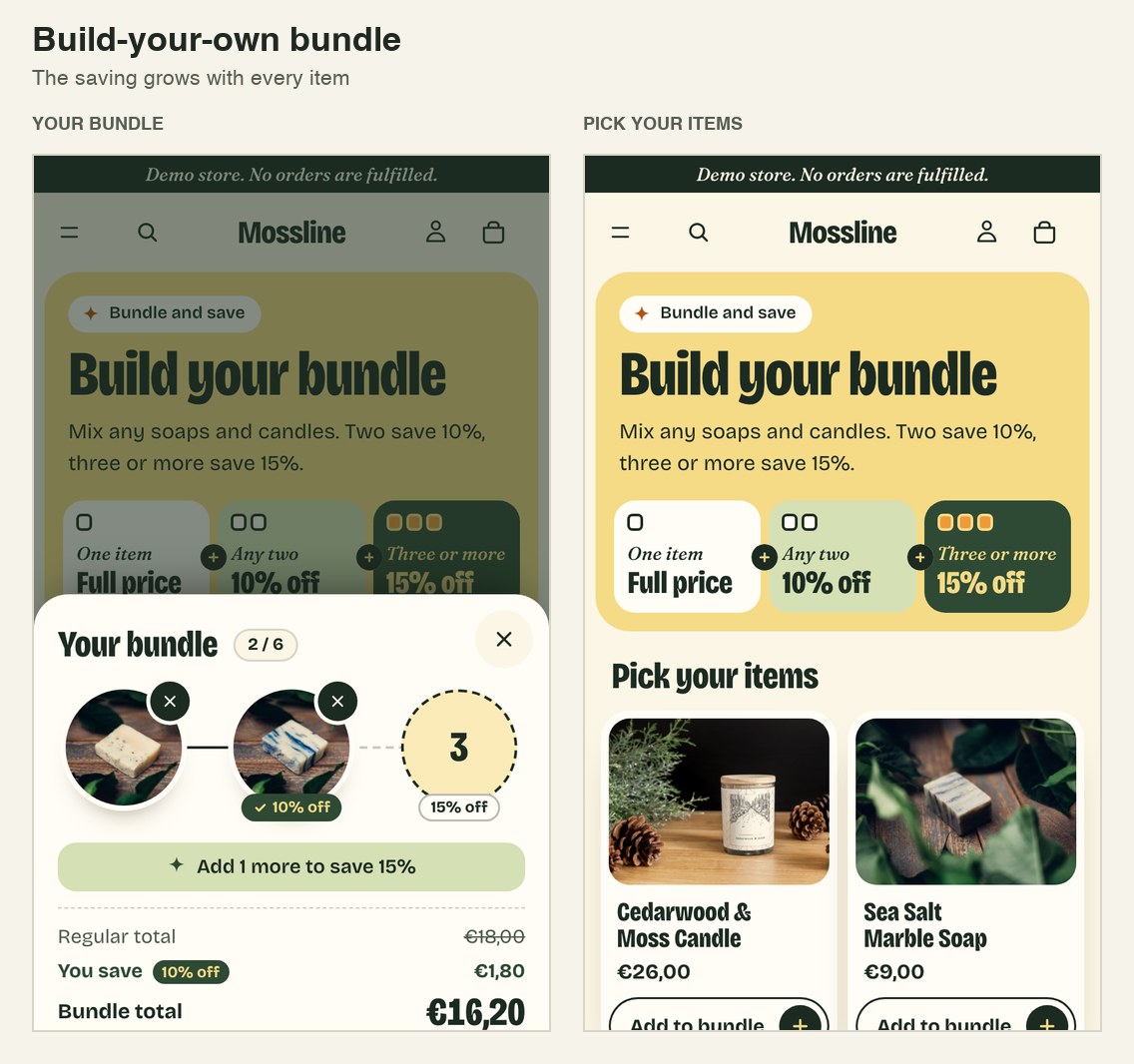
Build-your-own bundle
Pick items, watch the saving grow, add all at once
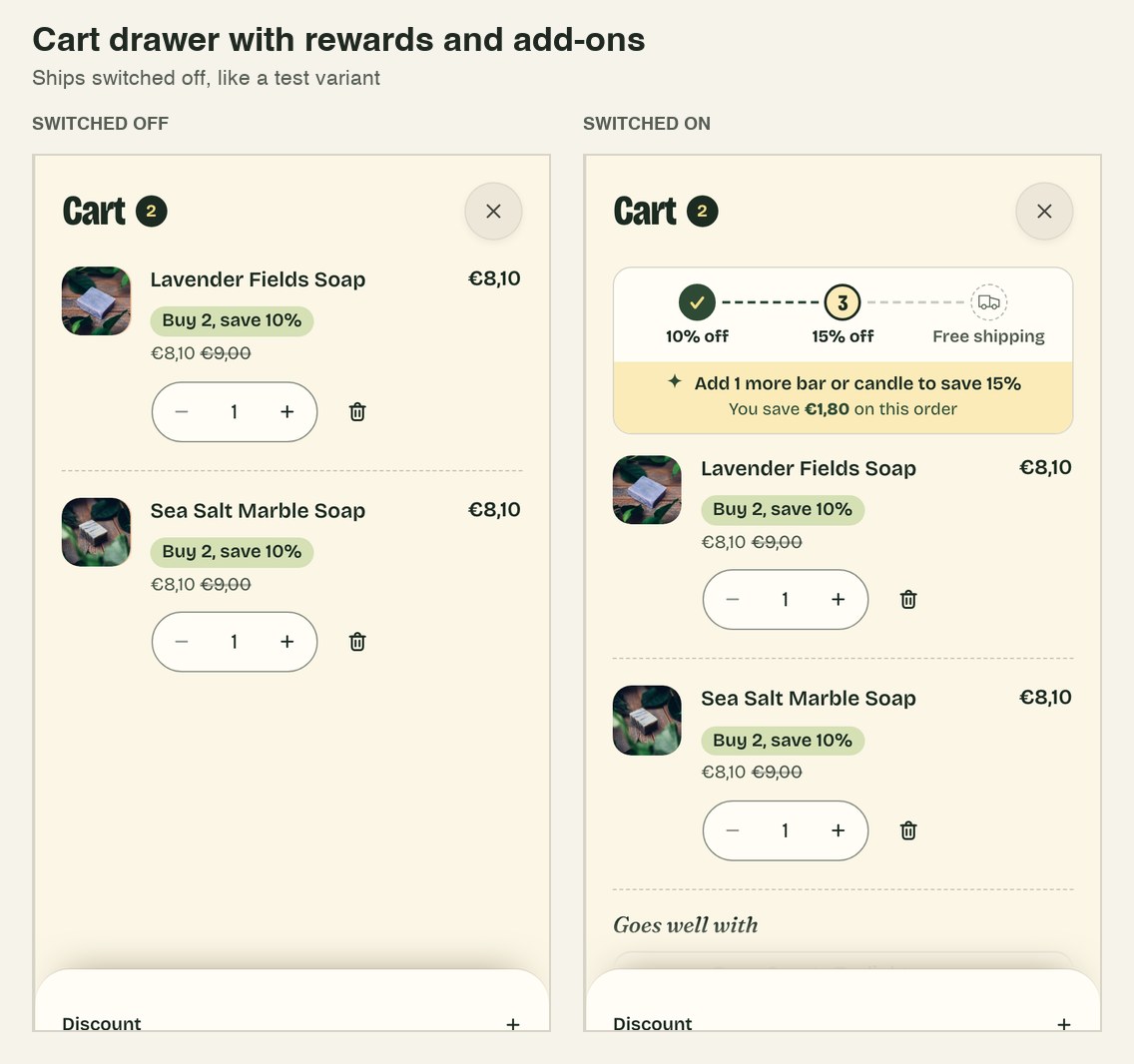
Cart drawer with rewards and add-ons
Ships switched off, like a test variant
Open a product, add it, open the cart: a product page with the cart drawer feature switched on
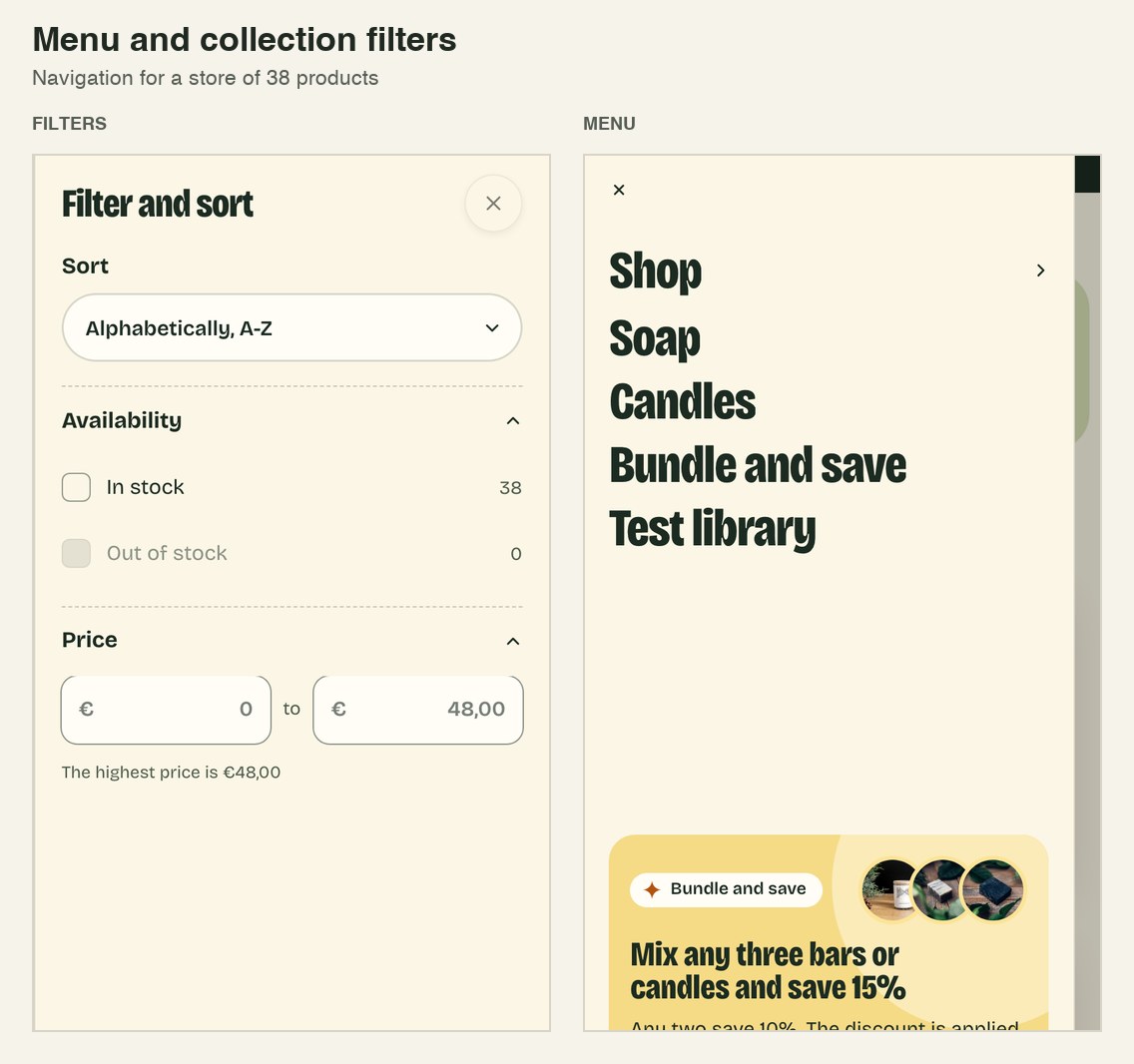
Menu and collection filters
Navigation for a store of 38 products
Open the collection page: the collection page with the menu and the filters
Tools
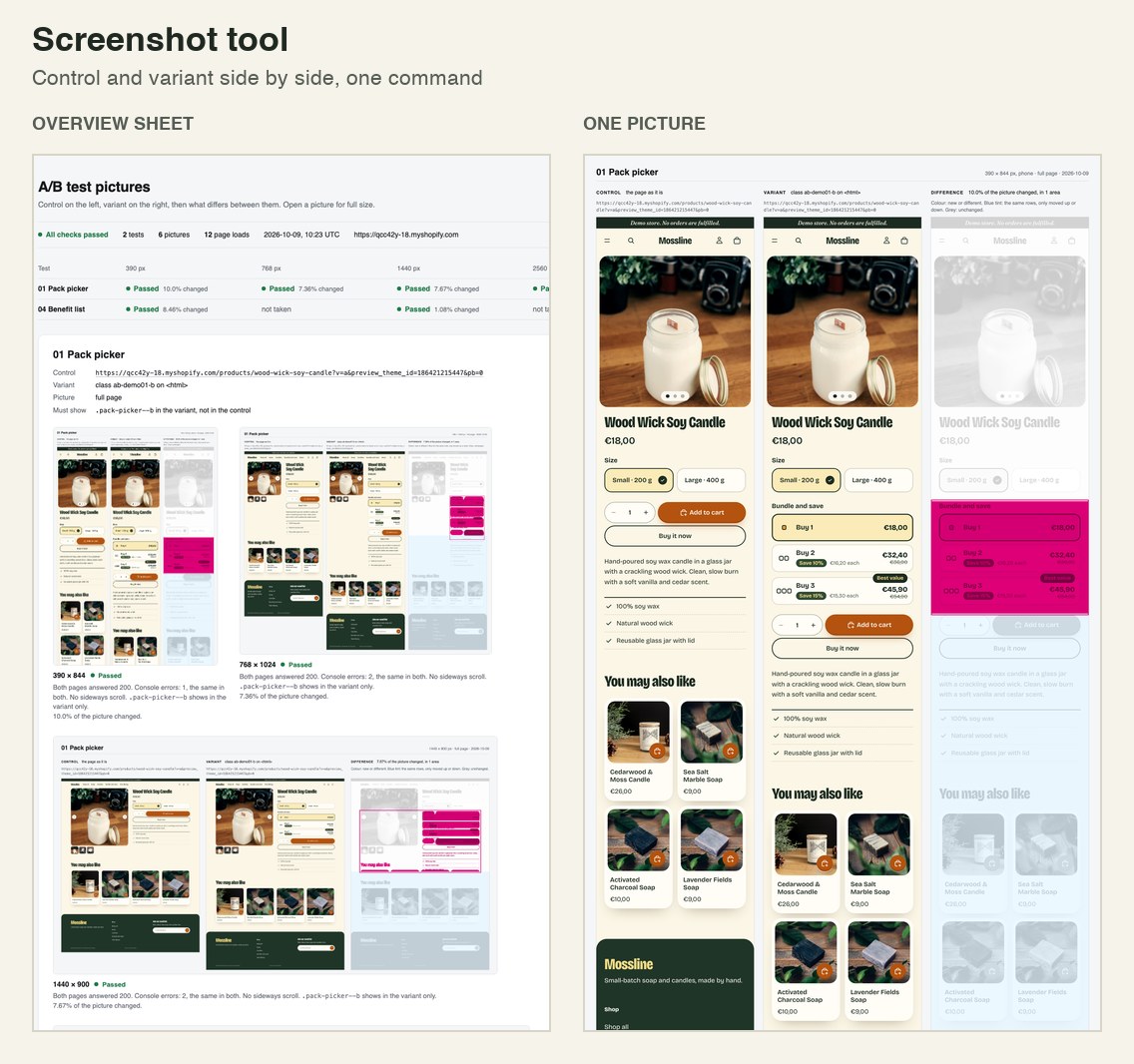
Screenshot tool
Control and variant side by side, one command
Next up
- Subscribe-and-save buy box
Not built yet, so there are no screenshots.
About

I'm Fisnik, a software engineer in Kosovo. Most of my work is Shopify: A/B tests, conversion features and full page builds for CRO teams.
Before this
Lead developer, Darn Group. A business platform with two Android apps and a 19-page dashboard, replacing a spreadsheet of about 39,000 delivery records.
Shopify developer for Rankist GmbH, 2025. Storefront features and content automation.
Have a test to build?
Send me the brief and the Figma.
fisi.kurti@gmail.com